How to digitise your flora & fauna surveys
If your flora survey workflow still involves paper forms, spreadsheet re-entry, and manual BioNet formatting — you're spending hours on admin that software should handle. This guide walks through the transition, step by step.
The paper-to-report pipeline is broken
A typical flora survey workflow looks like this: fill in paper field forms, drive back to the office, type observations into a spreadsheet, copy species data into a separate GIS layer, format an AHIMS or BioNet CSV by hand, then write the report in Word. Every handoff is a chance for transcription errors, lost records, and wasted hours.
The time cost
40 observations/day × 3 minutes to re-enter each = 2 hours of unpaid admin. Every day in the field generates half a day at the desk.
The error cost
Transposed coordinates. Misspelt species names. Missing GPS accuracy. Errors caught at the reporting stage cost 10× more to fix than errors caught in the field.
The step-by-step transition
Audit your current workflow
Before changing tools, map out where data is re-entered. For most ecology firms, the re-entry points are: paper → spreadsheet, spreadsheet → GIS, and GIS → government portal. Each point is a place where errors creep in and time is lost.
Count how many observations your team records per day and how long the re-entry takes. This becomes your baseline for measuring improvement.
Choose your survey method and form template
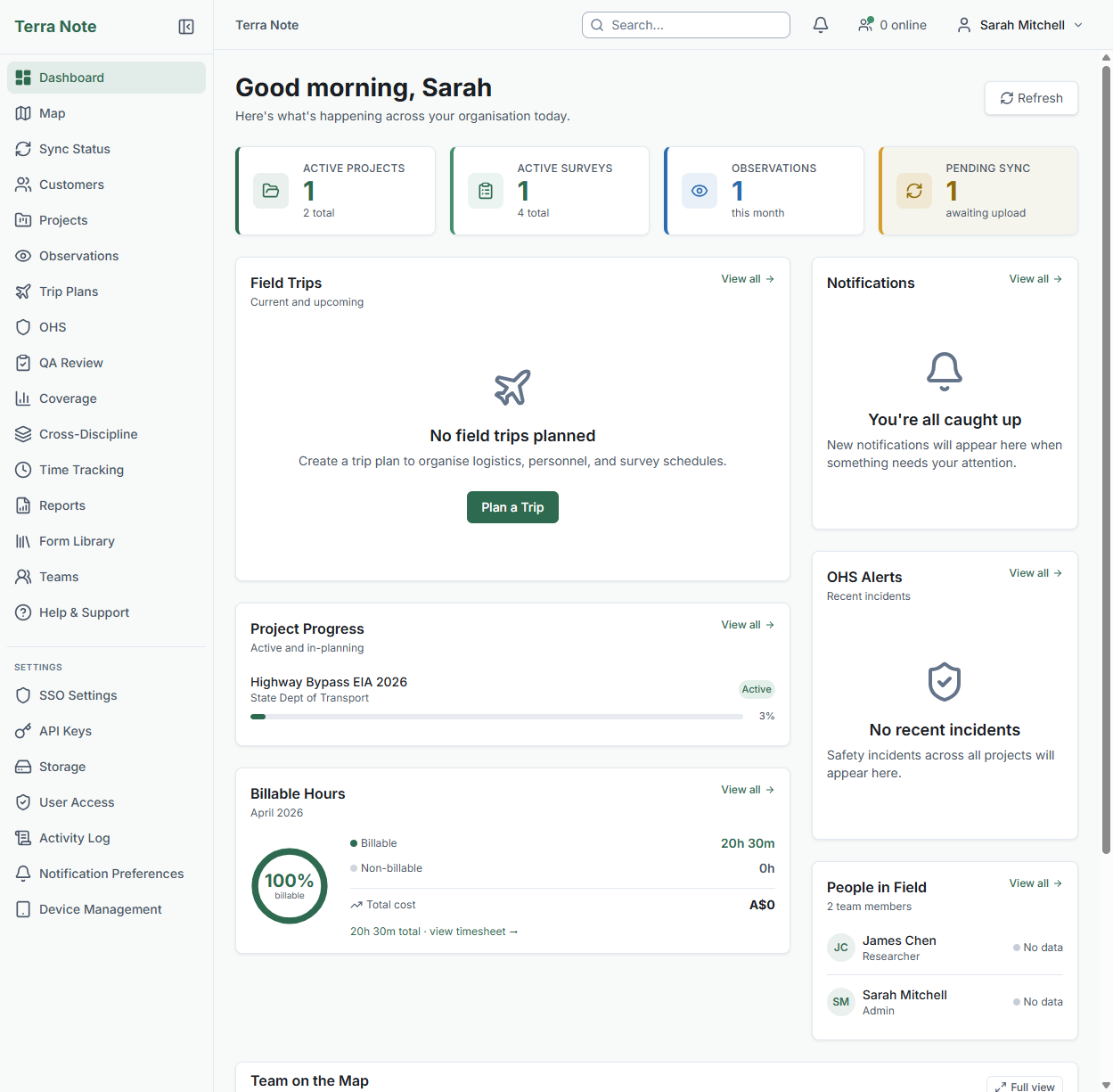
TerraSitu ships with 13+ templates for ecology fieldwork: flora quadrat, fauna active search, bird point count, vegetation condition assessment, aquatic survey, and more. Each template captures the fields your EIA report and government submissions need.
Pick the template that matches your survey method, or duplicate it and customise with the drag-and-drop form editor.
Set up your survey boundary and import GIS data
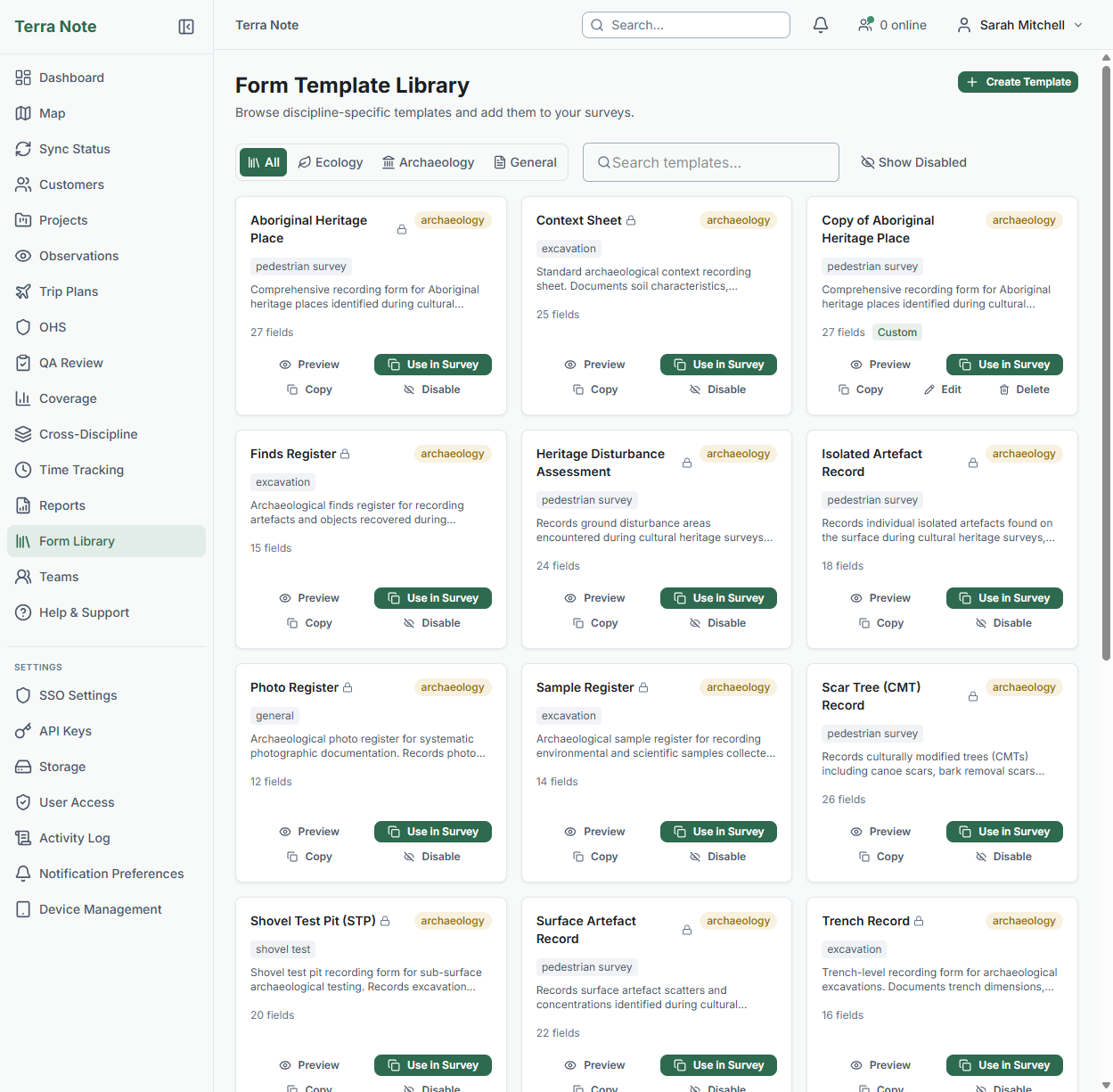
Import your site boundary from a shapefile, KML, or GeoJSON. Add any reference layers your team needs — vegetation mapping, cadastral boundaries, threatened species habitat.
All of this is bundled into the survey package your field team downloads for offline use.
Want to try this workflow?
Start a free trial with all ecology templates and ALA species lookup pre-configured.
Push to mobile and collect in the field
Your field team downloads the survey package once. Then they work offline — for hours or days. GPS-tagged observations, photos, species records, and GPS tracks are all captured at the point of observation.
Species autocomplete works offline using a cached subset of the ALA database. Conservation alerts fire in the field, not back at the office.
Review, QA, and approve collected data
When the field team syncs, observations appear in the web portal with full GPS accuracy metadata, photos, and species data. Flag, approve, reject, or request re-survey on any observation.
Coverage analysis shows expected versus actual spatial coverage — so you can see if any quadrats were missed before the team leaves the site.
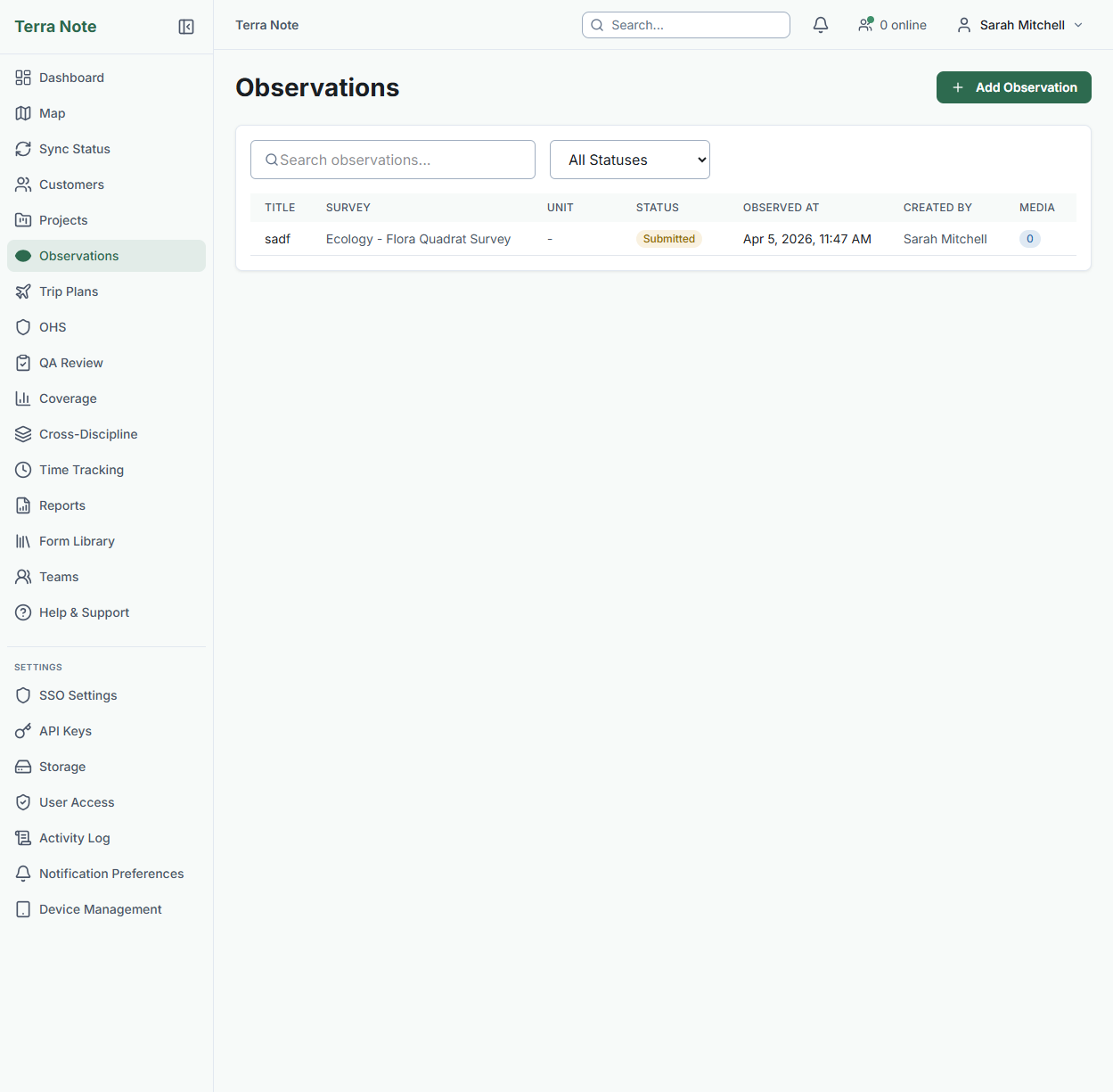
Export to BioNet/VBA or generate your report
Export species observations directly to BioNet (NSW) or VBA (VIC) in the format each portal expects — no manual CSV wrangling. For EPBC referrals, export the observation data with the fields the referral form requires.
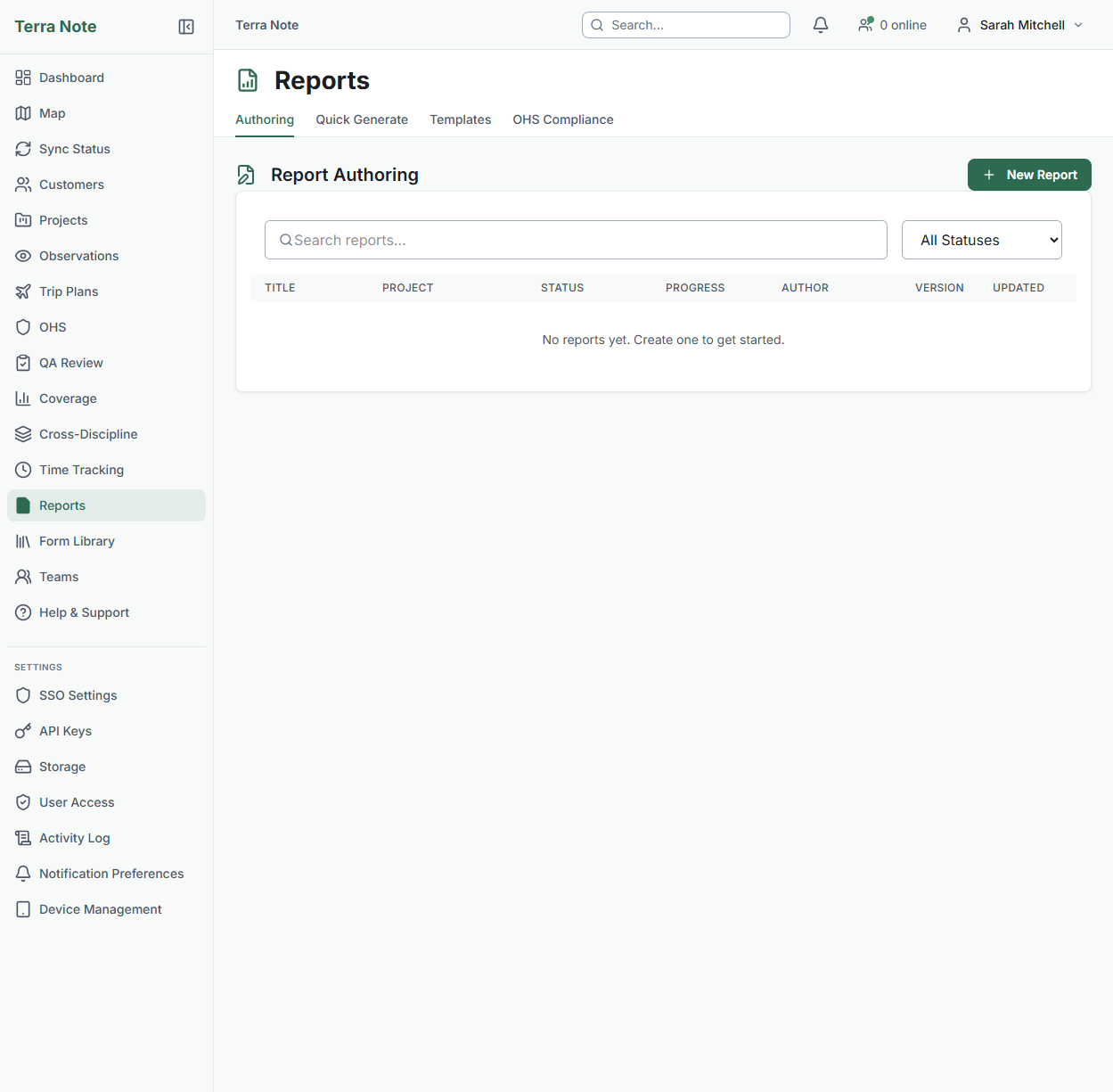
Generate report sections automatically: species register tables, methodology summaries, and results from the data you've already captured. Edit and refine — don't write from scratch.
The result
Data captured once in the field flows through QA, into your report, and out to BioNet — without anyone retyping a single species name or coordinate. The 2 hours/day of re-entry admin disappears. The transcription errors disappear with it.