Generating Reports
TerraSitu provides multiple ways to export and report on your field data.
Data Export
Export your data in various formats from any level of the hierarchy (project, site, or survey):
- CSV - Spreadsheet-compatible tabular data
- GeoJSON - Spatial data for GIS software
- Shapefile - Industry standard GIS format
- KML / KMZ - Google Earth compatible
- GeoPackage - Modern GIS container format
- GPX - GPS track and waypoint data
To export, navigate to the project, site, or survey detail page and click Export.
PDF Reports
Generate professional PDF reports that include:
- Project summary and metadata
- Map views with observation locations
- Photo grids with metadata
- Data summary tables
- Survey statistics and coverage analysis
Report Authoring
For more detailed reports, use the Report Authoring feature:
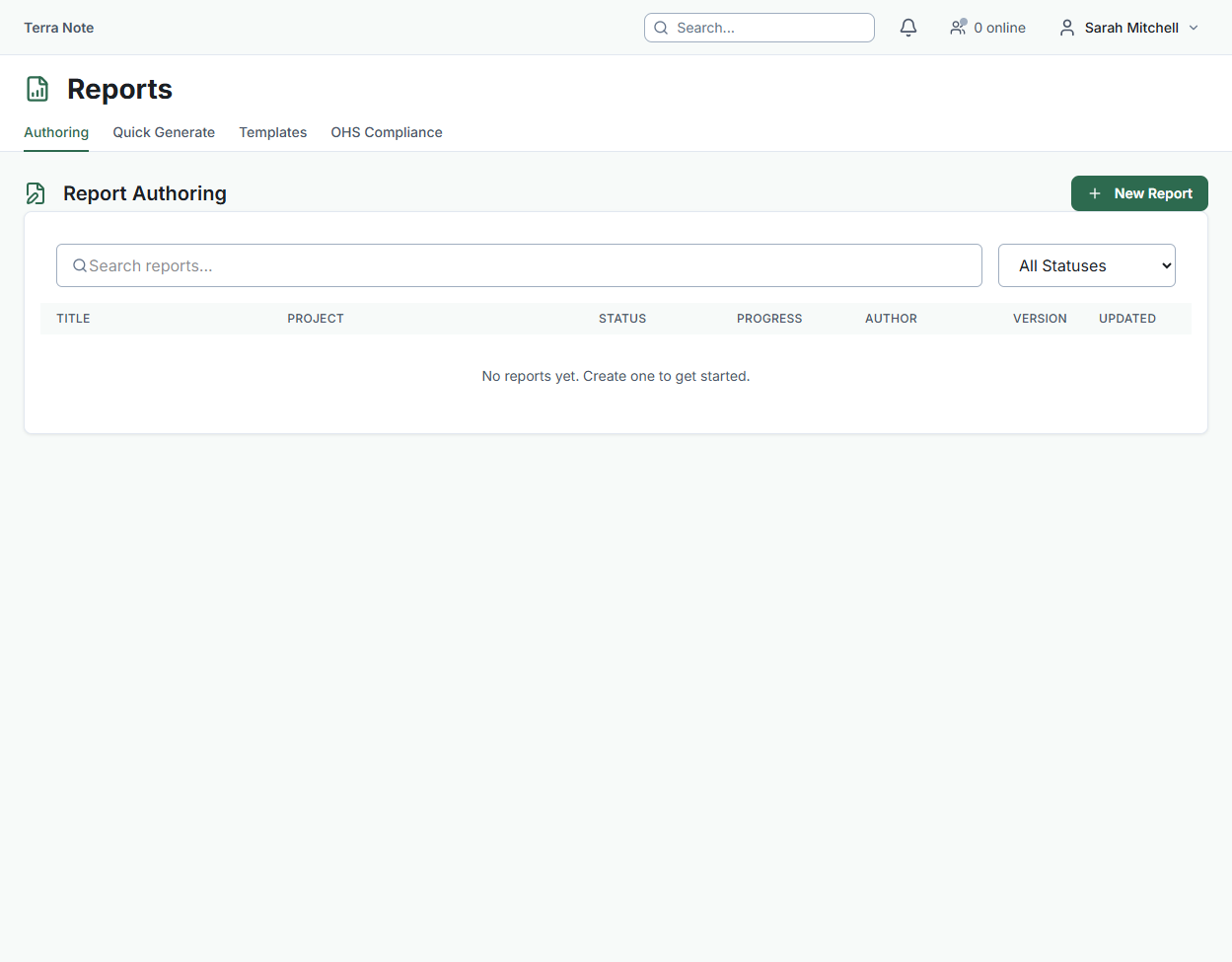
- Go to Reports in the sidebar
- Click New Report and select a template
- The report is organised into sections — some auto-generated from your data, others for manual authoring
- Each section can be assigned to a team member for writing and review
- Use the three-panel editor: navigation, content editor, and comments
Custom Report Templates
Create reusable report templates tailored to your organisation's needs:
- Go to Reports > Templates
- Click New Template
- Add sections using the section builder — drag to reorder
- Mark sections as auto-generated (populated from project data) or manual (authored by team members)
- Save and use the template for future reports
Photo Register
The Photo Register provides a professional, standards-compliant photo log:
- Sequential numbering per survey
- Metadata fields: direction, subject, scale, north arrow indicator
- Export to CSV for inclusion in formal reports
- Grid and table views with lightbox preview