Managing teams and roles
TerraSitu uses role-based access control at both the platform and project level. Getting roles right ensures field researchers can do their work while sensitive project data stays protected.
Platform roles
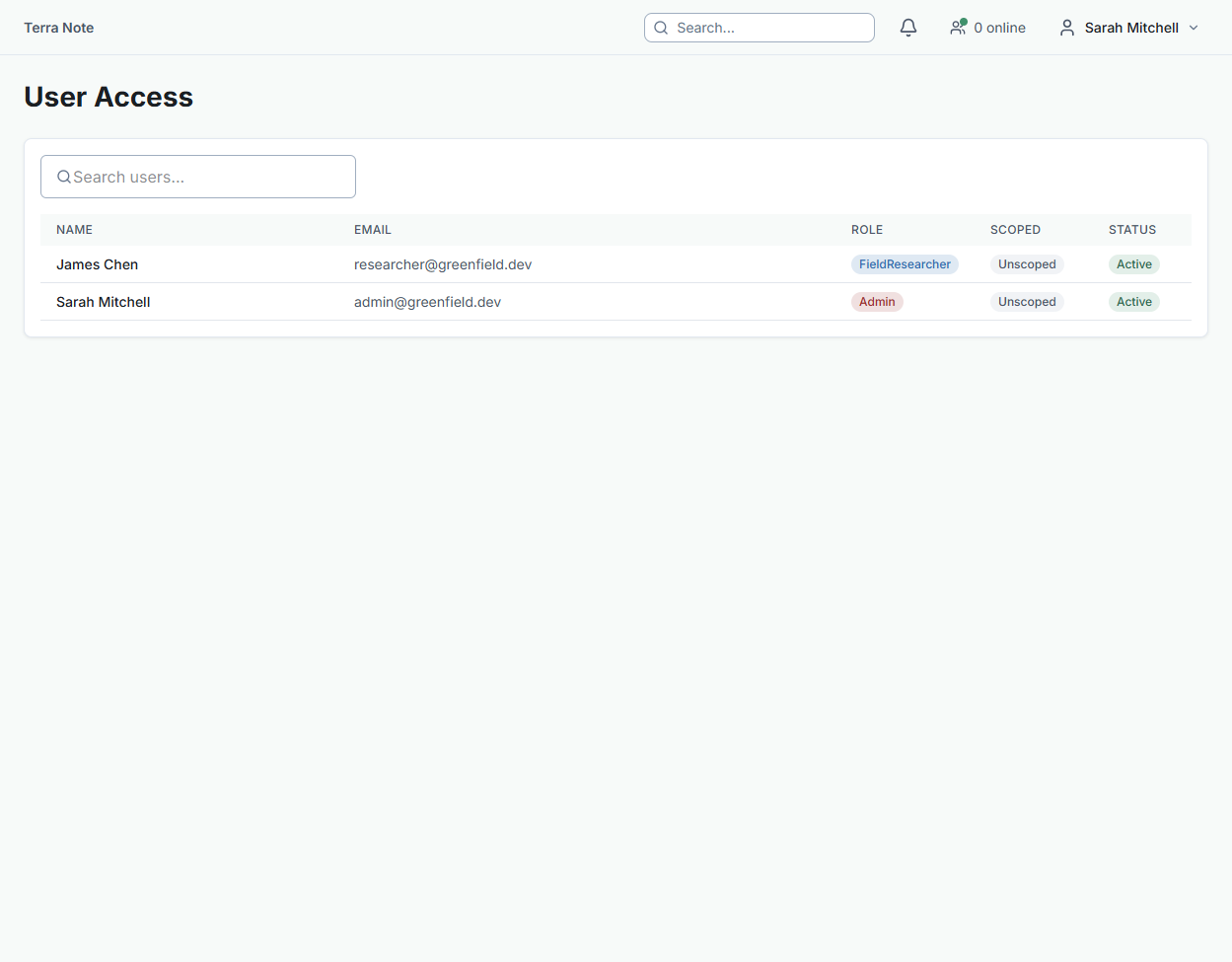
Every user has one platform role, set by an administrator:
| Role | Access |
|---|---|
| Admin | Full access to all projects, settings, teams, and billing |
| Project Lead | Can create and manage projects, assign team members, configure surveys |
| Field Researcher | Can collect observations and view assigned projects |
| Viewer | Read-only access to assigned projects |
Administrators manage platform roles from Settings > User Access.
Project assignment
Users must be assigned to a project before they can access it. From the project detail page:
- Click Add Team Member
- Search by name or email
- Select the user's role for this project
- Click Assign
A user's project role cannot exceed their platform role — a Viewer remains a Viewer even if assigned as "Project Lead" on a project.
Survey assignments
Surveys can be assigned to specific users or entire teams. Only assigned users see a survey in their mobile app sync list.
To assign a survey:
- Open the survey detail page
- Scroll to Assignments
- Click Assign User or Assign Team
Teams
Teams are reusable groups of users — useful for large projects where the same crew works across multiple surveys. Create and manage teams from Teams in the sidebar.
To create a team:
- Go to Teams > New Team
- Name the team and add members
- Assign the team to surveys as needed
Team membership is managed centrally — changes to a team (adding or removing members) apply immediately to all surveys the team is assigned to.
Permissions summary
| Action | Admin | Project Lead | Field Researcher | Viewer |
|---|---|---|---|---|
| Create projects | ✓ | ✓ | — | — |
| Manage team assignments | ✓ | ✓ | — | — |
| Configure surveys & forms | ✓ | ✓ | — | — |
| Import GIS layers | ✓ | ✓ | — | — |
| Submit observations | ✓ | ✓ | ✓ | — |
| QA review | ✓ | ✓ | — | — |
| Generate reports | ✓ | ✓ | — | — |
| View project data | ✓ | ✓ | ✓ | ✓ |
Related Articles
- Creating a project — Setting up a new project with team members
- Getting started with TerraSitu — Core workflow overview